OxScript basics
The shape of a script: version, header, inputs, a body that runs once per bar, and outputs.
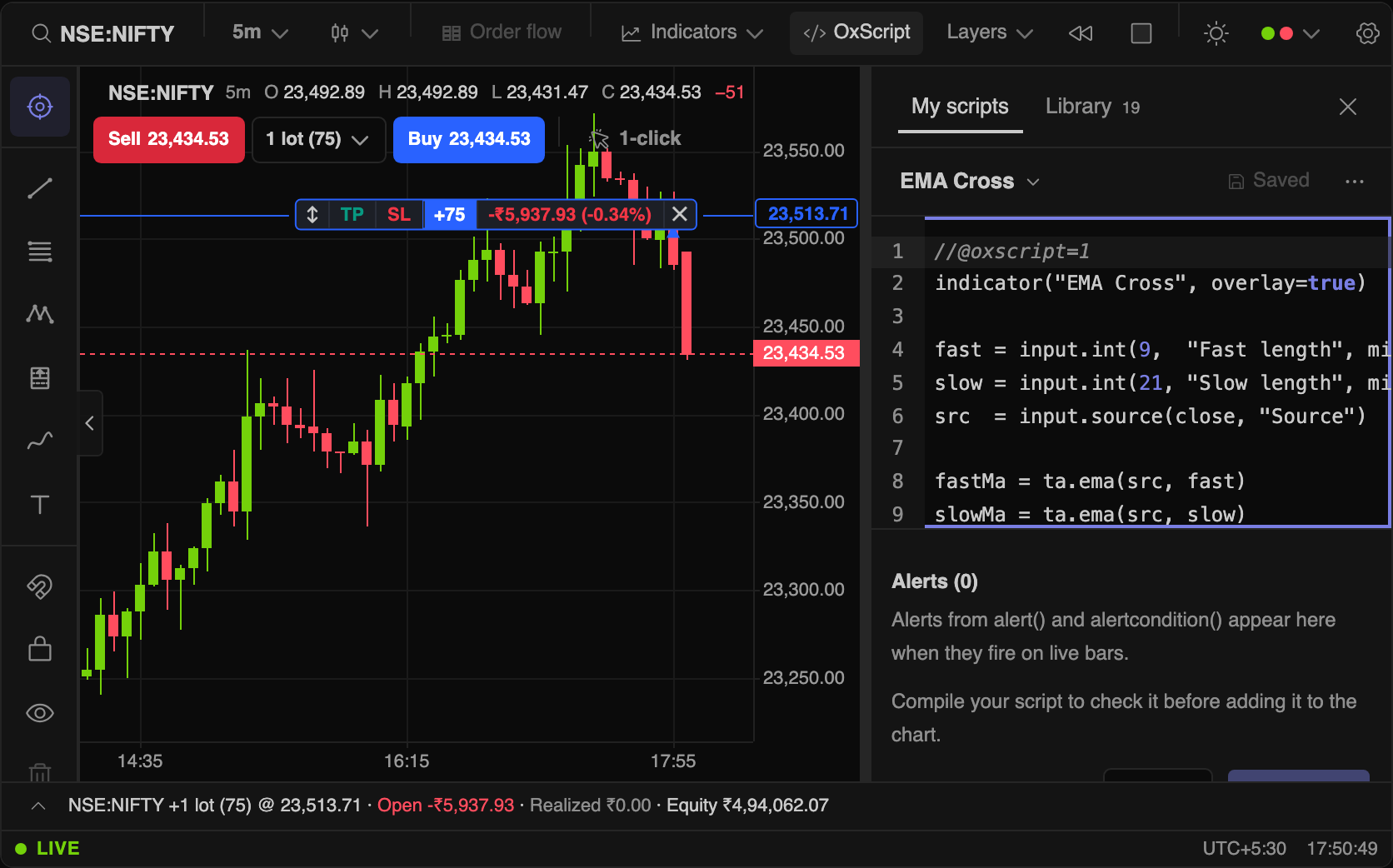
Open the editor with OxScript in the toolbar (Shift+S). A script runs once per bar, top to bottom, exactly like Pine. Compile to check it, then Add to chart.
//@oxscript=1
indicator("EMA cross", overlay=true)
fastLen = input.int(9, "Fast", minval=1)
slowLen = input.int(21, "Slow", minval=1)
fast = ta.ema(close, fastLen)
slow = ta.ema(close, slowLen)
plot(fast, "Fast", color=color.orange)
plot(slow, "Slow", color=color.blue)
plotshape(ta.crossover(fast, slow), "Up", style=shape.triangleup, location=location.belowbar, color=color.green)| Part | Rule |
|---|---|
//@oxscript=1 | First line: OxScript version 1, the current one. Leave it out and the script is read as the latest OxScript. //@version=5 or 6 switches to Pine compatibility mode. |
indicator(...) or strategy(...) | Exactly one. overlay=true draws on the price pane; otherwise the script gets its own pane. |
input.* | Become the Inputs tab of the settings dialog, like a built-in indicator. |
| Body | Runs once per bar. Blocks are indented four spaces, or wrapped in { }. |
| Outputs | plot*, hline, fill, bgcolor, barcolor, drawings, alerts. |
Variables and history
| Term | Meaning |
|---|---|
x = close * 2 | Declares; recomputed every bar. |
var n = 0 | Initialised on the first bar only, then persists: this is how a script remembers. |
varip ticks = 0 | Also survives live-bar updates. For tick counters. |
n := n + 1 | Reassigns an existing variable. |
close[1] | The previous bar's value. Any variable can be indexed; there is no max_bars_back. |
na, nz(x, 0) | The missing value, and replacing it. Comparisons with na are false. |
Every built-in indicator is a ta.* call
ta.ema, ta.rsi, ta.supertrend and the rest run the same engine as the Indicators menu, so a script's EMA and the built-in EMA draw the identical line. Any library indicator is also reachable by id: ta.indicator("keltner-channels", length=20).upper.
Coming from TradingView? Read Pine compatibility. Want working code? Start from Examples.