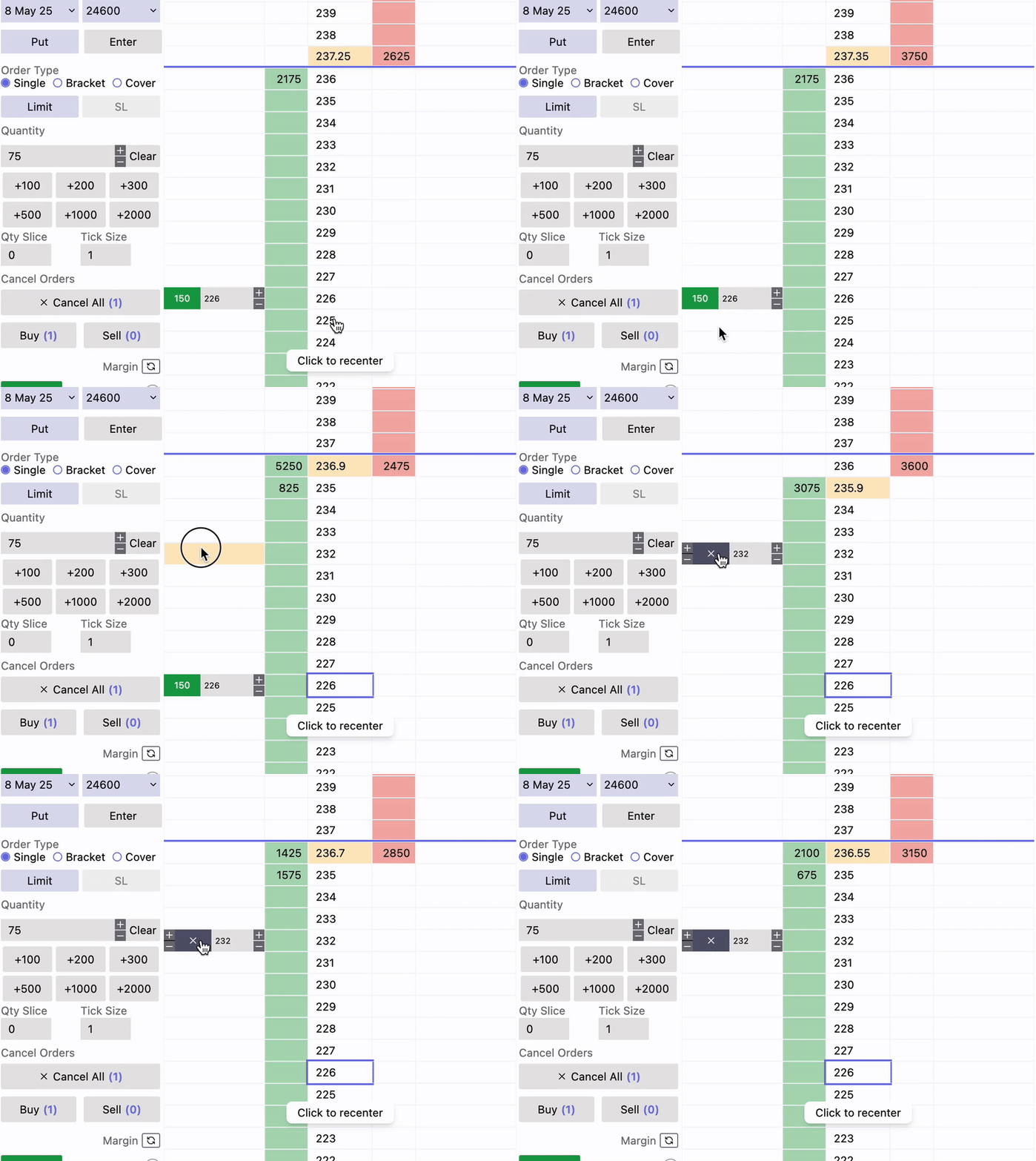
With OptionX, modifying your orders is faster and easier than ever. Our Drag & Drop Order Modification feature allows you to quickly adjust your buy or sell orders with a simple drag of your mouse, without needing to manually edit order details. This makes it the perfect tool for traders who need to react quickly to market movements, like scalpers.
How to Use the Drag & Drop Feature
Step 1: Place Your Initial Order
Start by placing an order as you normally would:
Buy Order: Click on a price in the Bid column.
Sell Order: Click on a price in the Offer column
Step 2: Activate Drag & Drop
- Hover over the Quantity your existing order in the Order in Price Ladder.
- Click and Drag