Buy, Sell and one-click
The quote buttons open a market ticket, or place at once when one-click trading is on.
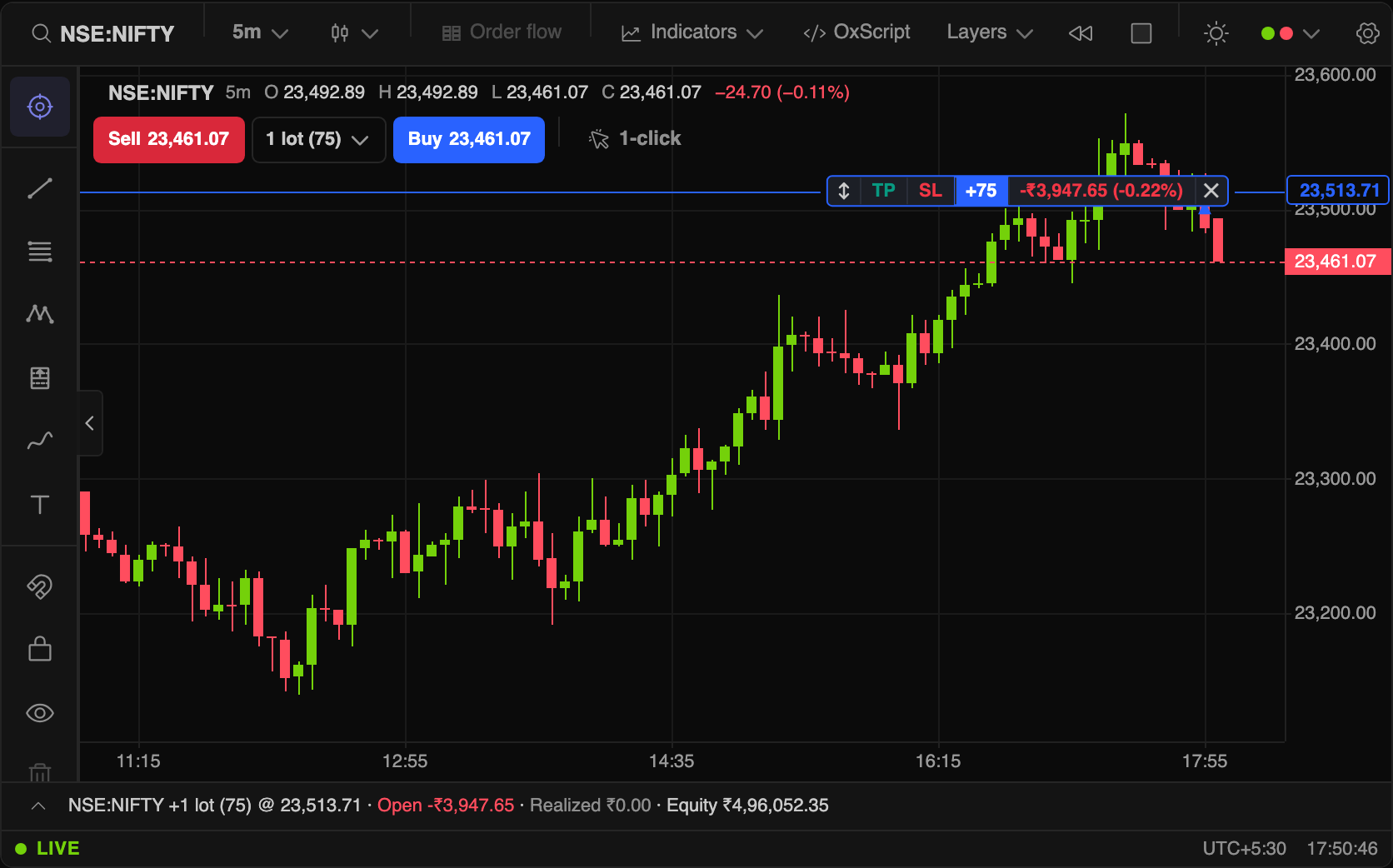
The pane's top-left corner carries the quote row under the OHLC line: Sell 43,809, the quantity, Buy 43,810. Without bid and ask in the feed, both show the last price.
- Click Buy or Sell to open the order ticket for that side at market. Nothing is sent until you press the ticket's button.
- The quantity counts lots. Pick a preset from the dropdown (1, 2, 5, 10 by default). On NIFTY BANK it reads
1 lot (30): one lot, thirty units. - One-click trading (the cursor toggle beside the row, or Settings → Trading) makes Buy and Sell place a market order immediately, with no ticket.
One-click is a state you can see
While it is on, the toggle fills amber and reads 1-click ON, the trading panel's strip carries the same amber badge, and the "+" menu's order rows show a bolt. With Confirm actions on, turning it on asks first.
Every order reports back in a small toast next to what it is about: Bought 1 @ 43,739.40 beside the quote row, Buy limit placed 1 at 43,500.00 above a resting level. A rejection shows the broker's reason and is never swallowed.
Keyboard, in replay only
During bar replay, B buys, S sells and X flattens. They are off on a live chart on purpose: a stray key should never trade.